

The Pilot 100 Library

The ATPL shelf, rebuilt for the screen.

Thirteen EASA ATPL(A) theory books in one cover family, read in a reader designed to disappear — one section at a time, your notes beside the text, nothing else on the page.

Beta: open now, and still being refined.

Airframe & Systems · the reader

Nothing on the page but the page.

This is the Library exactly as it opens: the book, your place in it, and the few tools you reach for.

The Pilot 100 Library reader open on Airframe & Systems, section 5.2.1.2, with a figure of an airliner's slats, flaps, speed brakes and stabiliser trim.
  • Contents, search, notes Three buttons at the top of every page.
  • Text and light Three text sizes, light or dark, and page zoom.
  • Figures in place Every diagram sits beside the text it explains.
  • Your place Where you are in the book, and the next section one tap away.
The collection

Thirteen subjects. One cover family.

010 Air Law through 090 Communications, in syllabus order — each one a book you can pick up from the shelf and continue exactly where you stopped.

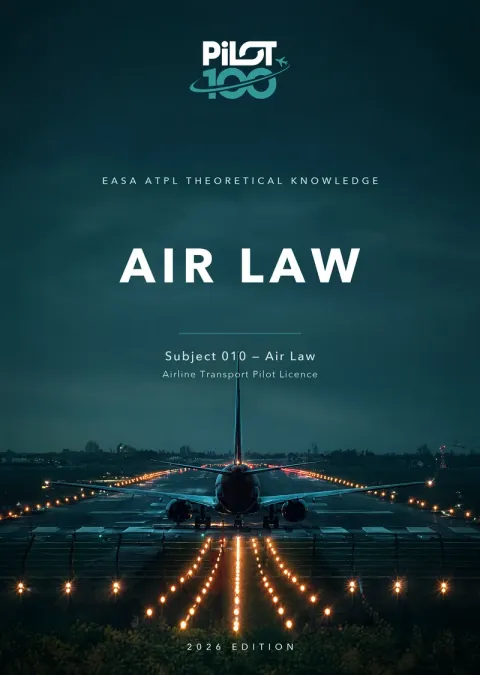
  1. Air Law, subject 010
    010 Air Law
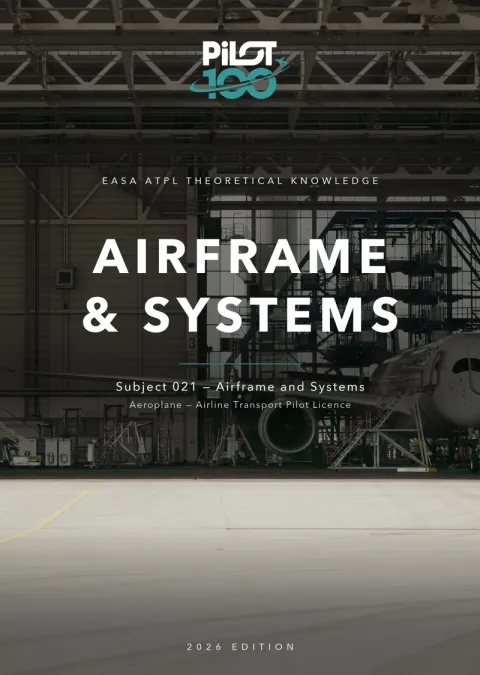
  2. Airframe & Systems, subject 021
    021 Airframe & Systems
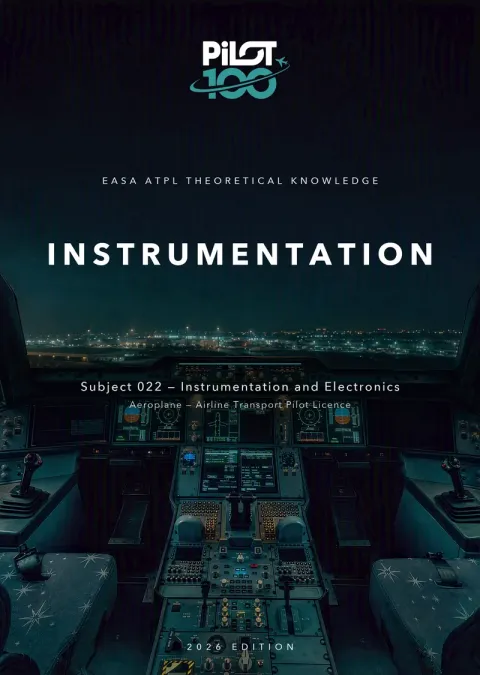
  3. Instrumentation, subject 022
    022 Instrumentation
  4. Mass and Balance, subject 031
    031 Mass and Balance
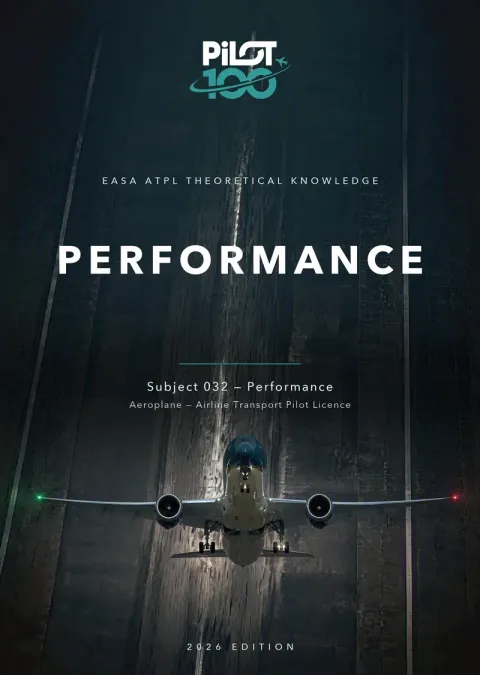
  5. Performance, subject 032
    032 Performance
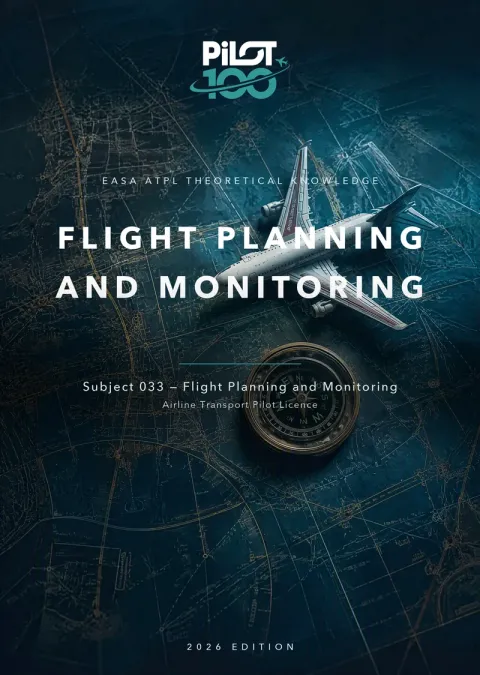
  6. Flight Planning and Monitoring, subject 033
    033 Flight Planning and Monitoring
  7. Human Performance and Limitations, subject 040
    040 Human Performance and Limitations
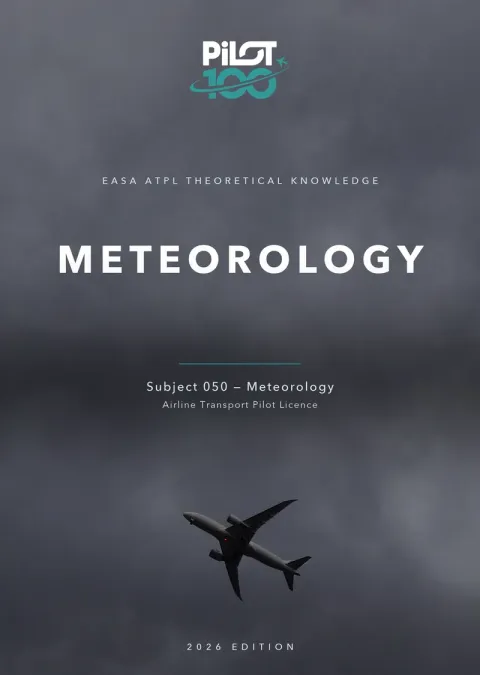
  8. Meteorology, subject 050
    050 Meteorology
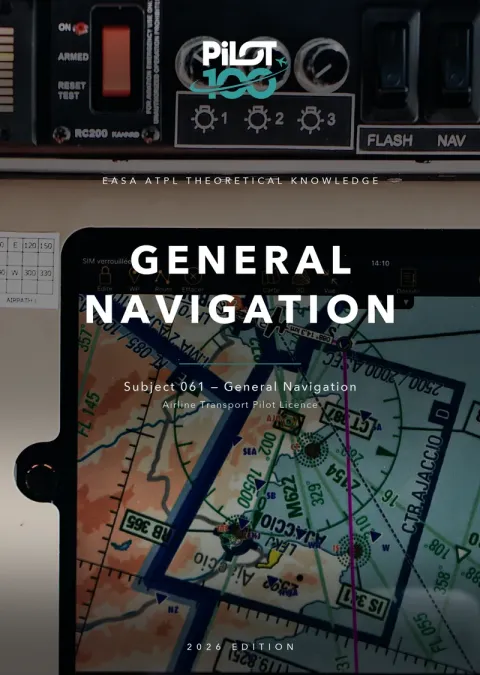
  9. General Navigation, subject 061
    061 General Navigation
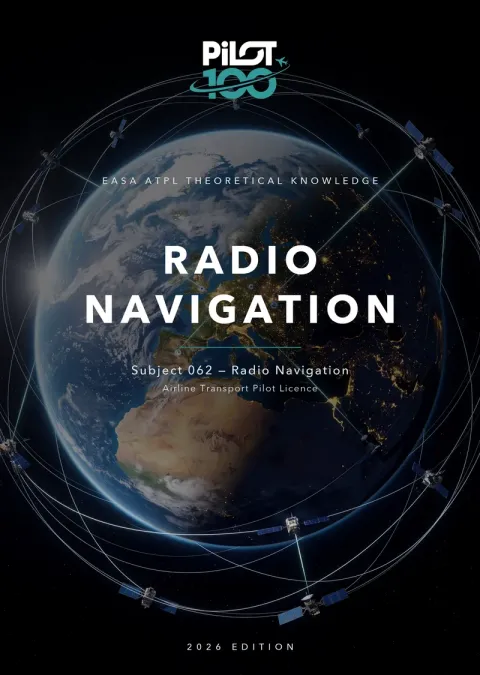
  10. Radio Navigation, subject 062
    062 Radio Navigation
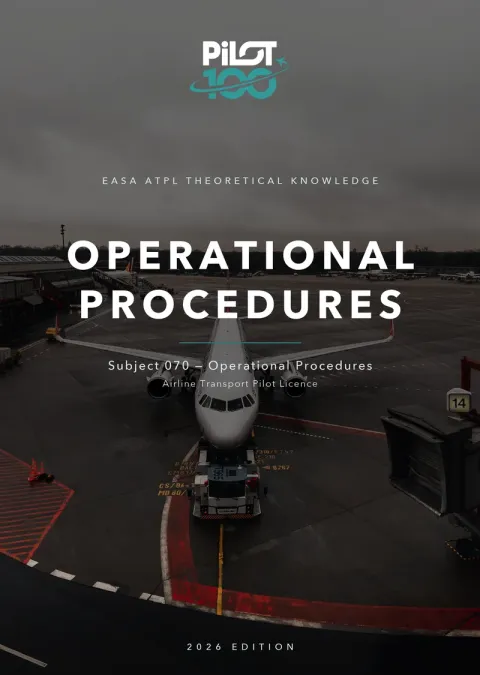
  11. Operational Procedures, subject 070
    070 Operational Procedures
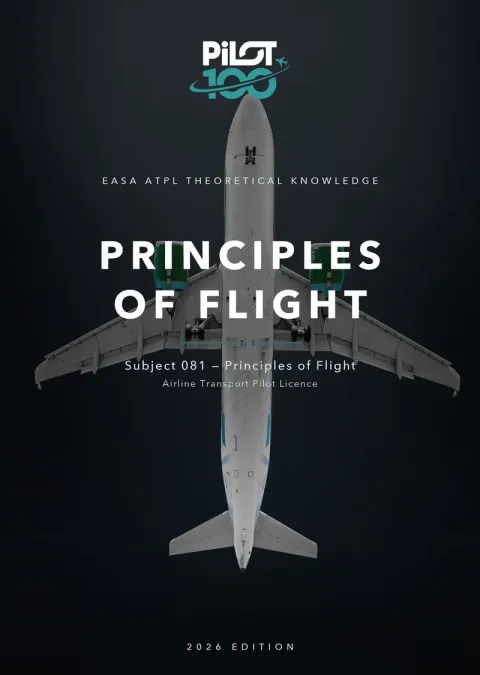
  12. Principles of Flight, subject 081
    081 Principles of Flight
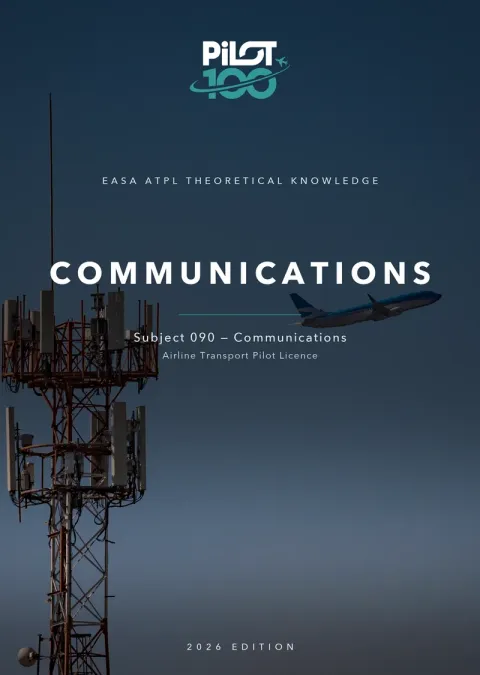
  13. Communications, subject 090
    090 Communications
The Bookshop

Buy one book, or the whole shelf.

Pay once for the term you choose. Your books stay on your shelf for the whole term, with your notes and your place in every book.

Best value · the full set

All thirteen books

Every ATPL(A) theory subject, 010 through 090, on one shelf.

Get the full set
  • One payment, no subscription
  • Secure checkout with Stripe
  • A PDF invoice for every order

Single books

Start with the subject you are studying now.

  • 010 Air Law
    Buy
  • 021 Airframe & Systems
    Buy
  • 022 Instrumentation
    Buy
  • 031 Mass and Balance
    Buy
  • 032 Performance
    Buy
  • 033 Flight Planning and Monitoring
    Buy
  • 040 Human Performance and Limitations
    Buy
  • 050 Meteorology
    Buy
  • 061 General Navigation
    Buy
  • 062 Radio Navigation
    Buy
  • 070 Operational Procedures
    Buy
  • 081 Principles of Flight
    Buy
  • 090 Communications
    Buy

Buying needs a Pilot 100 account. Sign in and you land in the Library Bookshop with your choice already in the cart.

Loading prices…

Inside the reader

Everything else, one tap away.

Contents and settings stay out of sight until you call them. Real screens from the Airframe & Systems and Instrumentation books.

Contents

Every section, one filter away.

The whole book sits in a side panel — chapters that open into their sections, a filter that narrows them as you type, and a jump straight back to where you are.

  • Filter the contents by name
  • Jump back to the current section
  • Search the full text with /
The Library reader with the contents panel open beside Airframe & Systems section 2.4.1.2, showing a figure of fuselage frames, stringers and skin.
Make it yours

Set the page once. It remembers.

Three text sizes, light and dark, page zoom, Fit to screen and full screen — with keyboard shortcuts for every one of them. Your text size follows you into the next session.

  • Small, medium and large text
  • Zoom, Fit and full screen
  • Keyboard shortcuts throughout
The reading settings panel — text size, page layout and appearance — beside an Instrumentation page with a synchroscope figure.
Study tools

Built for revision, not just reading.

  • Highlights in four colours

    Mark a passage yellow, green, blue or pink, and find it again in one list.

  • Notes on the passage

    Attach a note to the exact text it is about, not to a page number.

  • Learning objectives

    The EASA learning objectives for the section, open beside the text.

  • Search the book

    Full-text search across the whole book, one keystroke away.

  • Continue reading

    The shelf opens each book at the section you left it on.

  • Progress on the shelf

    Sections opened and how far through each book you are, at a glance.

  • Expected study time

    Each chapter says how long reading and self-check should take.

  • Works where you study

    In the browser on laptop, tablet or phone — nothing to install.

What beta means

Open now. Getting better every week.

The Library is live and you can read in it today. It is also new: we are still refining the books, their figures and the reader itself, and what readers tell us decides what we fix next.

  • Buy single books in the Bookshop
  • Or get access through your training organisation
  • Tell us what to improve — every note is read

Pick up a book.

Sign in with your Pilot 100 account and the Library opens on your shelf.

PILOT 100 · THE LIBRARY · BETA